Workspace Portal
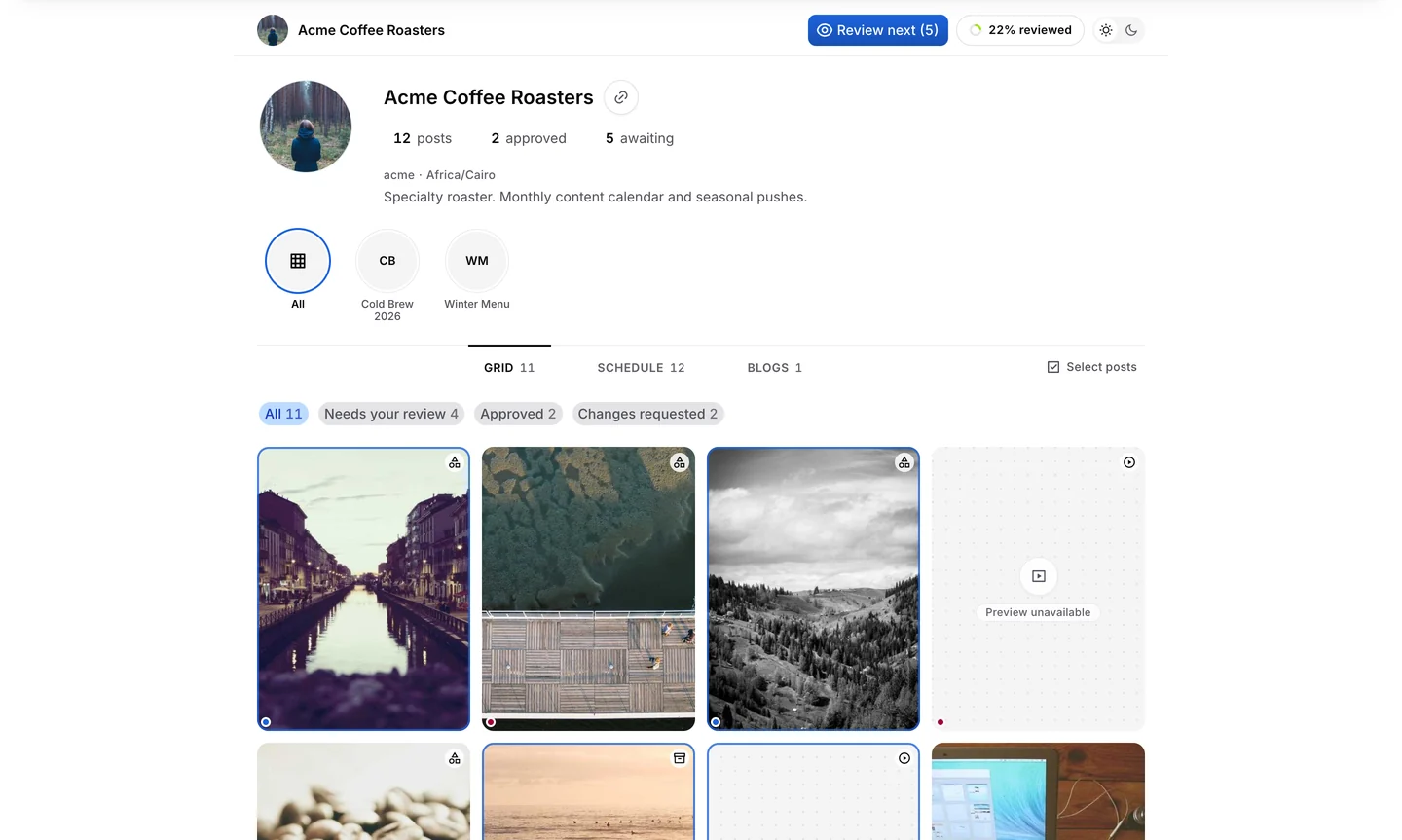
Full brand grid, Schedule tab, and Blogs tab behind one client portal token you can rotate or revoke.
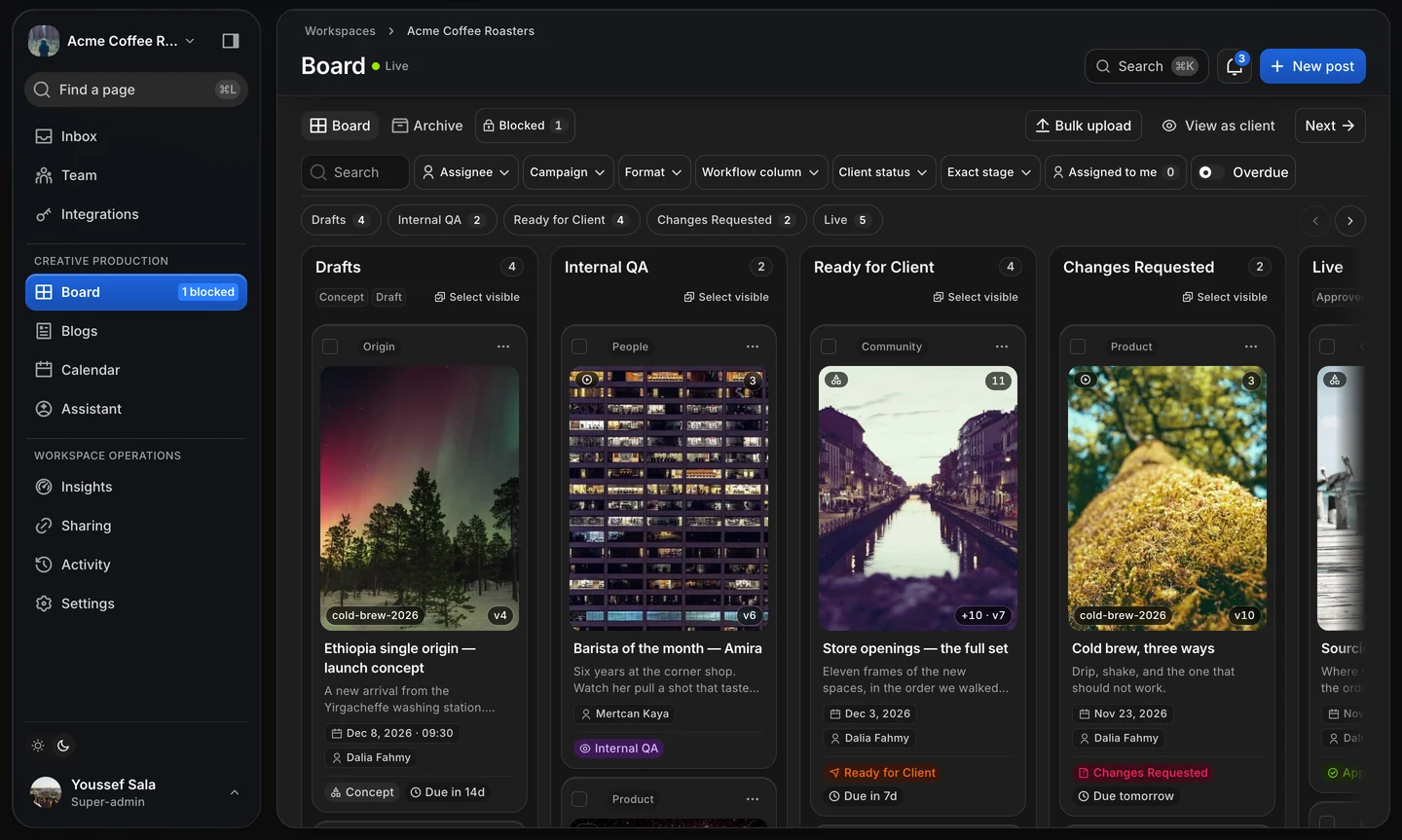
Independent agency & client workspaces
One client per workspace. Your agency can run in dark mode while every client reviews in crisp daylight—with zero staff notes or tasks exposed.
Access & governance
Server-enforced permissions match each team role and workspace assignment. Client tokens never gain agency privileges.
Full brand grid, Schedule tab, and Blogs tab behind one client portal token you can rotate or revoke.
Send a bounded batch of posts for campaign approval with next/previous item review navigation.
Share one deliverable in focused view—comment, approve, or request changes without exposing the rest of the calendar.
Every stage change, share action, and client approval writes to a filterable Activity log per workspace.
Staff authenticate via password or configured SSO (OIDC); client reviewers enter via scoped links without accounts.
| Role | Primary scope | Access mechanism |
|---|---|---|
| Agency owner | Full capabilities across workspaces plus sole control over ownership transfer. | Staff sign-in |
| Super-admin | Day-to-day administration: team members, integrations, API keys, and workspaces. | Staff sign-in |
| Graphic designer | Create and edit posts/articles, block items, request changes, manage campaigns. | Staff sign-in |
| Marketing team | Edit content, set planned dates, and transition workflow states to Scheduled or Posted. | Staff sign-in |
| Reviewer | Internal QA, send items Ready for Client, block items, manage campaigns. | Staff sign-in |
| Client reviewer | Inspect shared work, comment, approve, undo approval, or request changes. | Scoped review / portal link |